
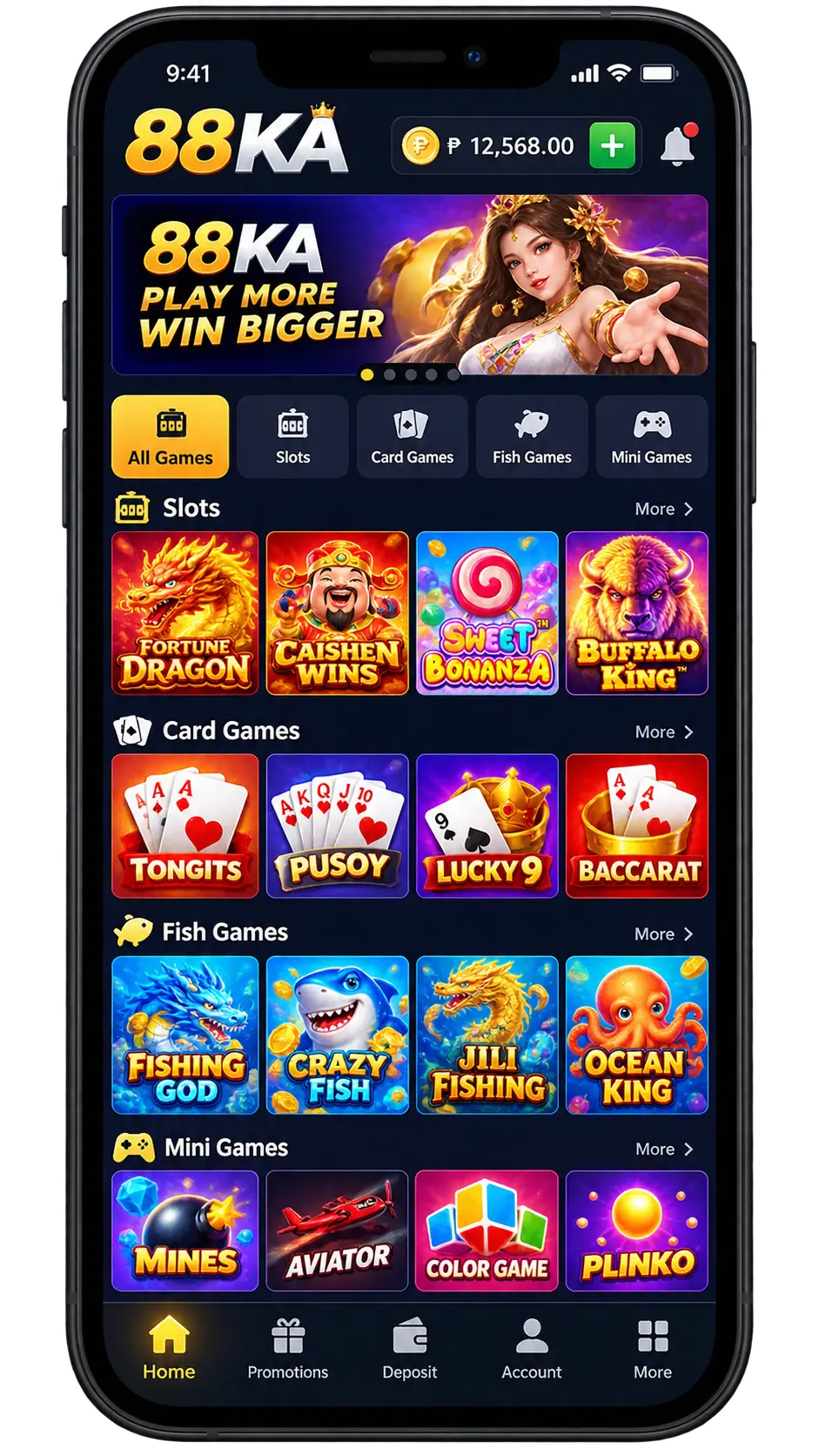
88KA Game safety starts with identifying the exact file and publisher being discussed. An app name, a polished icon or a promotional screenshot cannot establish who produced an Android package. If a page presents a file labelled 88KA Game, treat the name as a claim that still needs evidence.
This is a consumer-awareness checklist. CD22GameAPK has not independently tested a 88KA Game installer or confirmed a publisher, licence, payout history or security certification. The article does not label every similarly named package safe or malicious. Its purpose is to explain what an evidence-based assessment would require.
Separate the app name from the file’s identity
A public name and an Android package identifier are different things. Two files can display similar names while belonging to different packages. A version number can help distinguish builds, but a larger number does not prove that a file is genuine, current or more secure.
Our package-name guide explains the basic terms. When recording an uncertain package, keep the displayed name, package identifier, version and source address together. Do not copy a package name from an unrelated review and assume it describes the file on your phone.
A useful review should say exactly what it examined. “88KA Game works perfectly” is not meaningful evidence without a particular build, device, date and test method. Even a successful launch would establish only that the application opened in that test, rather than proving its ownership or handling of personal information.
Ask what supports the publisher claim
A logo, support username and company-style footer can all be copied. Look for a consistent explanation of who operates the service and who is responsible for the software. Record contradictions instead of filling the gaps with a guess.
Consider a hypothetical page that names one operator in its header and another in its privacy notice. That mismatch is a question to resolve, not proof of a particular crime. A factual reviewer can describe the conflicting names and the dates observed without inventing a company relationship.
Be equally careful with spelling variations. Do not assume that 88KA Game ,88 Ka and another similarly labelled product belong to the same operator. A review should use the precise name in its evidence and avoid redirecting readers to an unverified alternative.
If reliable identity information is unavailable, the honest result is “not independently confirmed.” That is more useful than borrowing another site’s claim or adding a “verified” badge without a documented process.
Inspect claims without treating marketing as proof
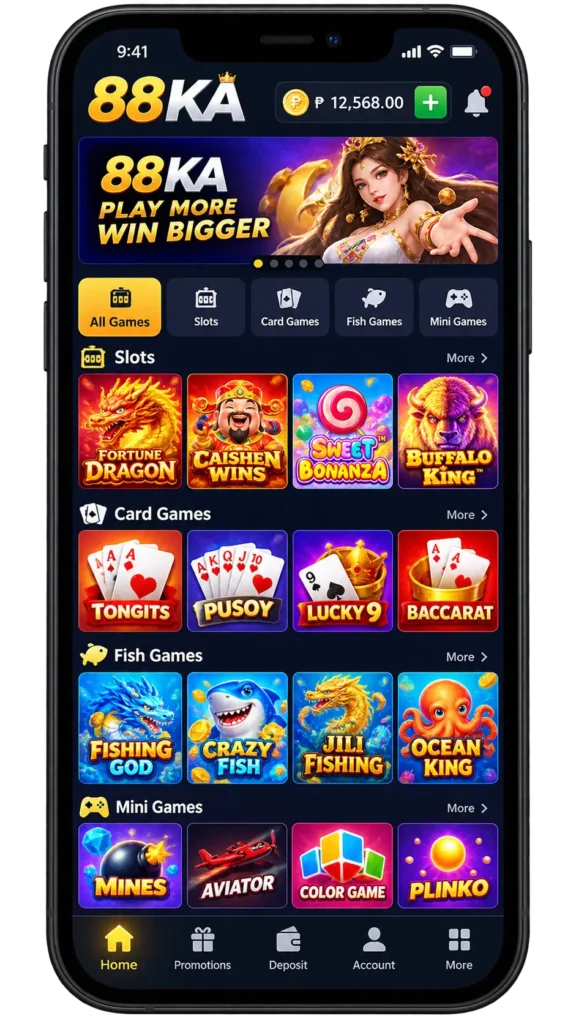
Promotional pages may display balances, ratings or payment screenshots. Each item needs context. An image does not show who owns the account, whether money actually moved, which conditions applied or whether the image was edited.
A reviewer should distinguish an operator’s statement from an independently checked result. For example, “the page advertises a reward” describes a visible claim. “Every user will receive that reward” is a much broader statement and would require evidence that a screenshot cannot provide.
Avoid using an attractive interface as a security verdict. Visual quality can influence first impressions, but it does not reveal how a server stores data or how an organisation handles a dispute. Keep design observations separate from claims about trust.
Treat permissions as access decisions
Android permissions can give an app access to particular device features or personal information. Google’s permission-management guidance explains how to inspect an app’s permissions in Settings and change them.
Review what was requested, why it was requested and what the app says it will do with that access. A request should have a clear connection to a feature you knowingly chose. Pressure to grant broad access before an explanation deserves attention.
Do not send a stranger a verification code, password or screenshot containing private account details as a “safety test.” A genuine review does not require publishing your personal records. If you need to record a permission prompt, remove identifying details before sharing the image.
Respond carefully to security warnings
Google Play Protect can warn about, disable or remove potentially harmful applications. A warning should be understood before taking another action. An advertiser’s instruction to ignore it is not an independent explanation of the problem.
Keep the warning text and date for your own records. Avoid repeatedly trying different files with the same public name to make the message disappear. A different installer can introduce another unknown publisher or build without resolving the original concern.
Our Play Protect guide discusses safe responses. A clean scan also has limits: it is not a promise about future behaviour, every server-side practice or the financial outcome of using a service.
Keep real-money risk separate from APK security
An application can open normally while the activity it offers still carries financial risk. Device security and gambling outcomes are separate questions. The World Health Organization’s gambling fact sheet describes financial and health harms associated with gambling.
Do not treat a download, a displayed balance or a promotional reward as evidence of dependable income. A technical review should not promise profits or claim that an installer removes the risk of loss.
Similarly, this article does not establish legal availability in a particular country. A store listing, a language option or a website reachable from your phone is not a jurisdiction-specific legal assessment. Avoid repeating a licensing claim you have not checked with the relevant authority.
Record concerns without exposing more data
If you have already interacted with an uncertain app, keep a private record of what happened: the exact messages, dates, file details and relevant transactions. Separate observation from interpretation. “The app asked for contacts access” is a concrete observation; a claim about how every contact was used needs further evidence.
For a suspicious message, contact the organisation through a route you already know to be genuine. The FTC’s phishing guidance explains why a message’s own contact details should not be treated as independent confirmation.
If you shared a reused password, protect other affected accounts through their genuine security settings. Do not give an unfamiliar helper remote access to the phone merely because they promise to recover money or verify an APK.
What a responsible 88KA Game review should report
A useful report should state the file examined, the evidence available and the important unknowns. It should identify the source of each factual claim and avoid presenting untested features as first-hand experience.
Images should also be labelled accurately. An original educational diagram can explain a review method, but it is not a screenshot of 88KA Game. An app screenshot, if used, needs a reliable origin and should not imply that the reviewer tested payments or account recovery.
For broader context, read APK files and Google Play distribution. A distribution route is one part of an assessment, rather than a complete trust certificate.
Frequently asked questions
No. It provides a review framework and states the limits of the evidence. No specific installer has been independently tested or certified here.
A screenshot alone cannot establish the full transaction, account ownership or applicable conditions. Treat it as a claim that needs supporting evidence.
No. Names and icons can resemble one another. Record the exact package and the evidence linking it to a responsible publisher.
No. Read the warning and use authoritative device-security guidance. A promotional statement is not a substitute for investigating the concern.
A clear conclusion
For a file labelled 88KA Game, begin with identity, evidence and the information you are being asked to share. Keep technical observations, operator claims and financial risks distinct. When something cannot be confirmed, say so plainly rather than turning an unknown into an endorsement.
Sources checked: 16 October 2026, Pakistan time. The linked Google, FTC and WHO pages support the general security and consumer-awareness guidance. Illustrations are original educational diagrams, not game screenshots.






2 comments